
In order to use bit.ly as your preferred URL shortener, you should do the following:
- Navigate to Settings > URL Shortener to see the bit.ly logo:
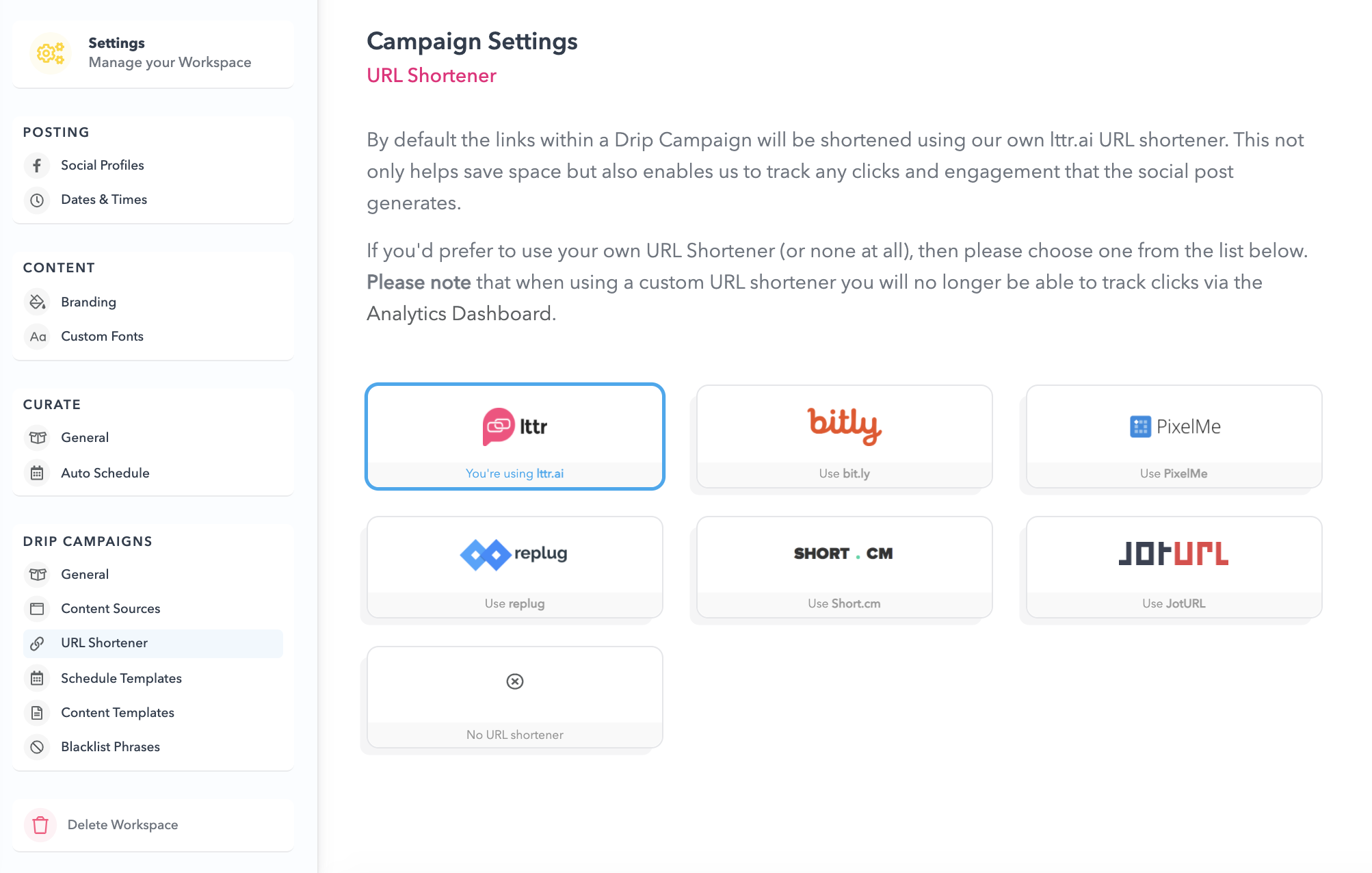
- Click on the bit.ly logo and it should take you directly to your bit.ly authentication portal:
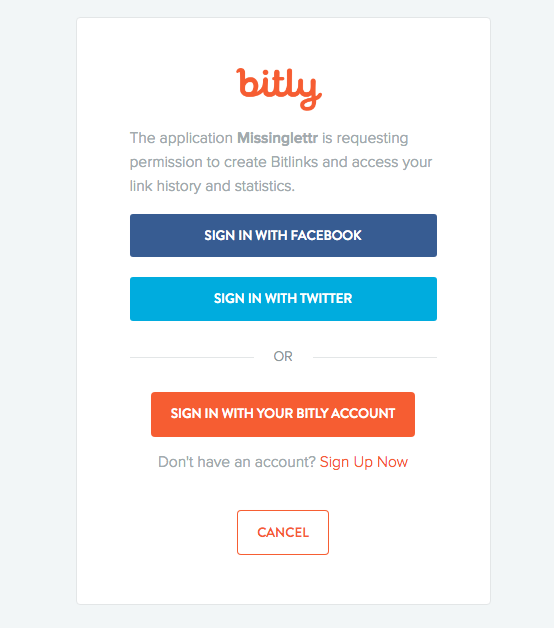
- Sign in with your preferred method and enjoy using bit.ly as your new link shortener.
If you run into any issues, please contact our customer support.