
Here is how to remove a workspace from Missinglettr:
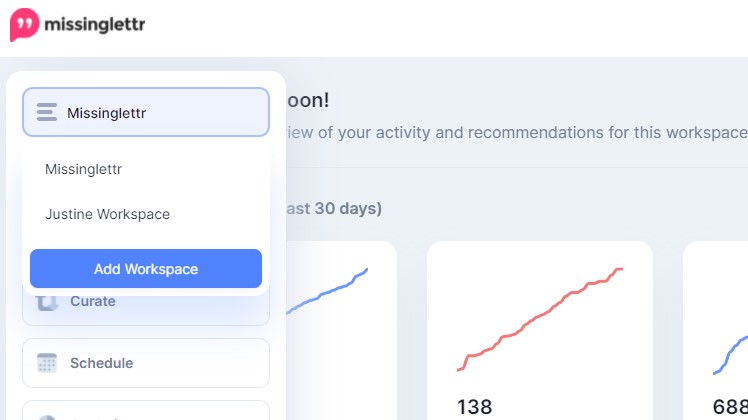
- From the workspace selection drop-down, choose the workspace you wish to delete.
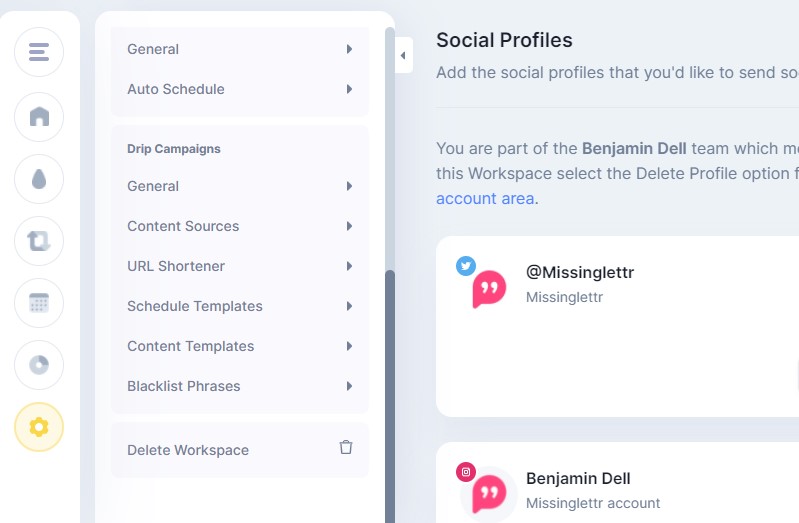
- Once the site's dashboard is loaded, open the Settings dropdown and scroll all the way to the bottom. Within it a 'Delete Workspace' option is visible.
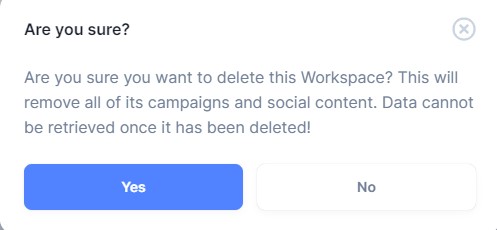
- Clicking on it will open a popup asking you to confirm your decision. Clicking 'Yes' here will delete your workspace from Missinglettr.
- That is it, your workspace is now deleted from Missinglettr.
P.S. Deleting a workspace from Missinglettr does not affect your actual website or blog in any way.