
If you make changes to your post schedule template, content template, URL shortener, or otherwise, previously generated campaigns will not be altered. Rescheduling a campaign makes it easy to develop a new drip campaign for your post, utilizing your most recent setting updates.
Regenerating a campaign will discard all content within a campaign, fetch the content from your blog post again and create a brand new campaign.
To reschedule a campaign, start by visiting your Drip Campaigns tab. From here, find the campaign you'd like to reschedule. Click on "..." and select "Reschedule Campaign".
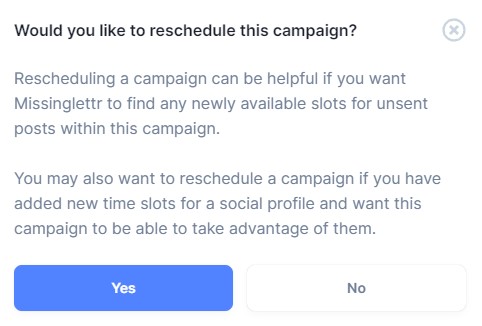
Click "Yes" and your campaign will be automatically rescheduled.